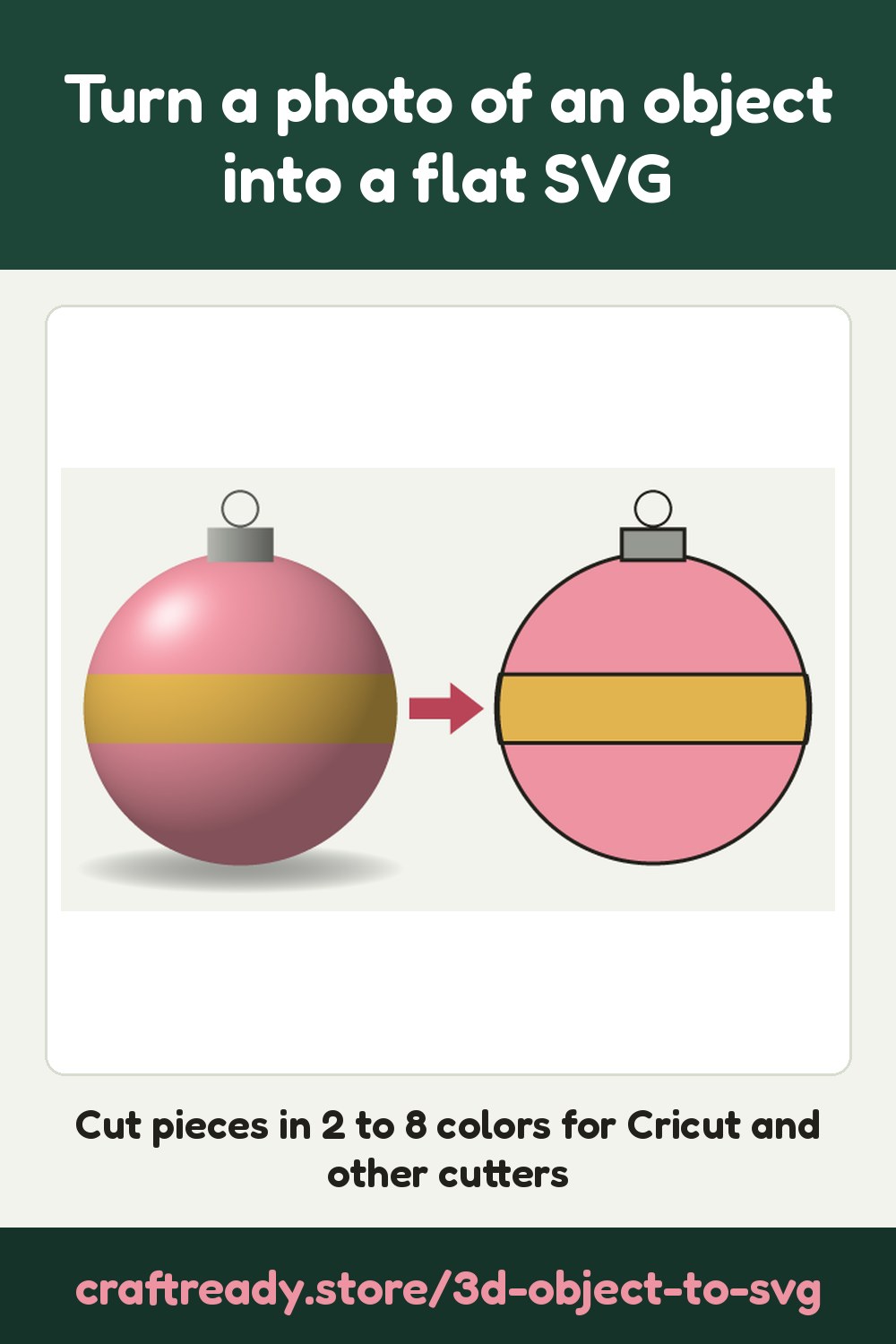
Take a photo of a toy, an ornament or a figure. AI draws it as a flat picture, then
you get cut pieces in 2 to 8 colors to make it from felt, cardstock or vinyl.
Only photos of things you own or have permission to reproduce. Logos and writing are
left out.
Draw your object
3D Object to Flat SVG is coming soon. You can read how it works
below; uploads open here once it is ready.
Uploading…
How it works
Choose the view and the look, then a clear photo of one object on a
plain background.
AI draws your object as a flat picture in solid colors, with no shading, background,
writing or logos.
The drawing opens on the Image to SVG page: check it,
have it drawn again if it isn't right, then pick the size and 2 to 8 colors.
Download the cut pieces. For Cricut Design Space, use SVG. DXF and one SVG per
color are for other cutters and laser software.
Save it for later: tap Save to pin this to one of your Pinterest boards.
Frequently asked
What photos work best?
A clear photo of one object on a plain background, in good light: a toy, an ornament, an animal figure, a mug. Let the object fill most of the photo. JPEG, PNG and WebP photos work; iPhone photos (HEIC) need to be shared or exported as JPEG first.
How does it work?
Your photo is sent to Google's AI, which draws the object as a flat picture: flat solid colors, with no shading, shadow, background, writing or logos. The drawing then opens in Image to SVG, where you choose the size and 2 to 8 colors and download the cut pieces as SVG, DXF or one SVG per color.
Is the drawing an exact copy of my object?
No. The drawing is made by AI: it is a flat impression of your object to check before you cut, not a measured template. Shapes and small details can differ from the real thing. If it isn't right, you can have it drawn again from the result page.
Which view and look should I choose?
As photographed keeps the angle of your photo; side, front or top asks for the object seen straight from that side. Separate colored pieces gives flat shapes with no outlines, for felt, appliqué and cardstock. One cut decal adds a bold dark outline around every part, for layered vinyl.
Does it make the parts of a 3D model?
No. It makes a flat picture of your object, cut as flat pieces to layer, glue or stitch. It doesn't make slots, tabs or parts that fit together into a 3D object.
How much does it cost?
Uploading a photo and looking at the watermarked drawing are free, with no account needed. Downloading costs 5 credits per photo, taken from your free monthly credits first (a free account gets 25 credits every month). Once paid, every drawing of the same photo, and every size, color count and file type, is free to download.
Can I use any photo?
Only photos of things you own or have permission to reproduce. Logos and writing are left out of the drawing. Craft Ready is a tool for making your own projects, not for copying someone else's work.