Send it to your DTF printer
- Download the gang sheet PNG. It is print-ready: a transparent background, 300 DPI, 22 in wide.
- Upload your gang sheet to any DTF printer that takes customer gang sheets, as it is. Order the sheet length the page shows.
- Do not mirror it and don't add a white layer: the printer mirrors the film and adds the white underbase.
- When your transfers arrive, cut them apart and press them with the printer's own time, temperature and peel settings. They are ready to press, with no weeding.
We make the file; we don't print or ship transfers. You choose the DTF printer and order from them.
Frequently asked
- What is a DTF gang sheet?
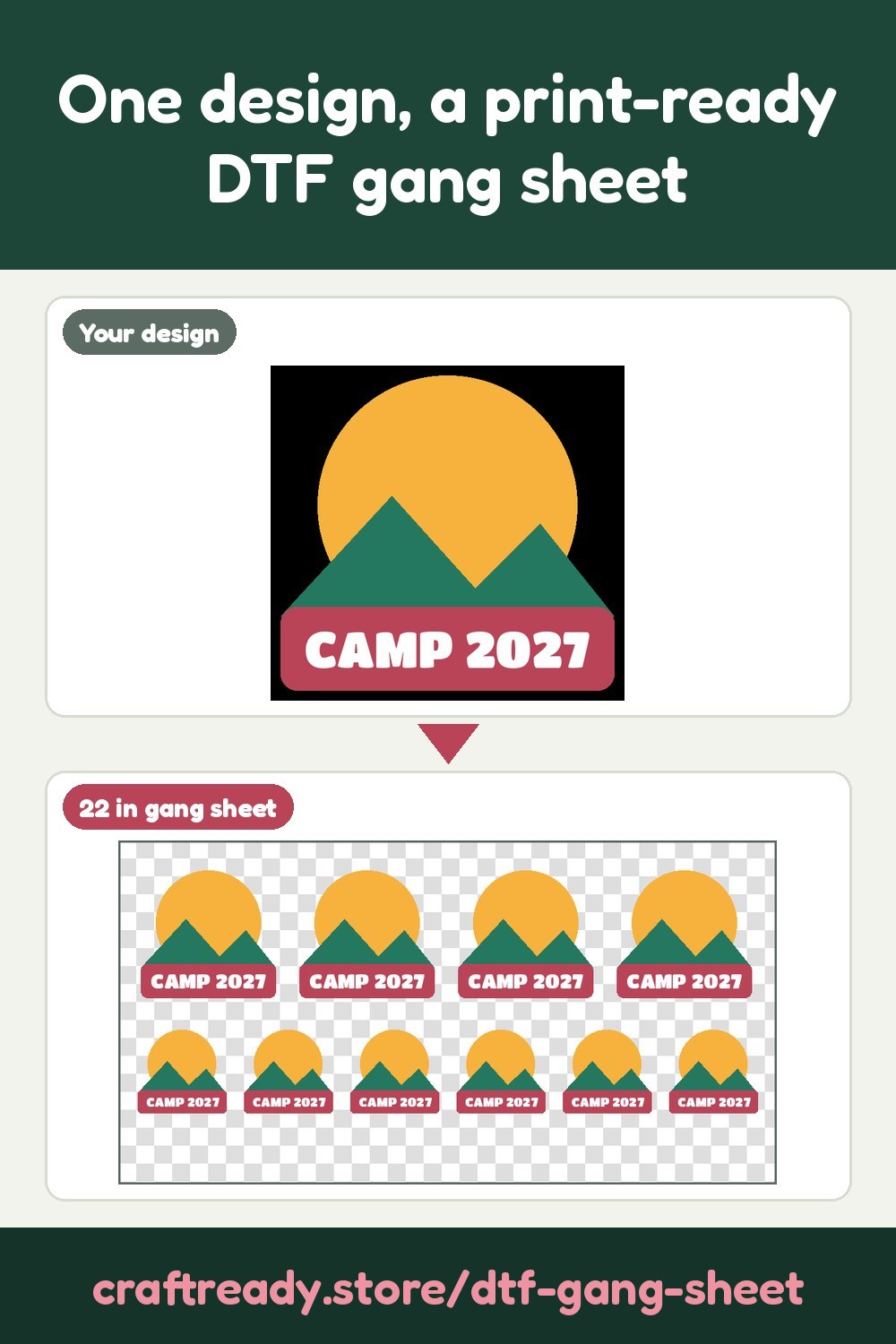
- A gang sheet is one long film your DTF printer prints in a single run: many images side by side on a 22 in wide sheet, so you pay for the sheet, not for each transfer. This page fills it with your design at every image size and quantity you ask for, packed tight with spacing between images.
- What file do I get?
- A print-ready PNG with a transparent background at 300 DPI, exactly 22 in wide, at the length that fits (or the length you choose, such as 22 x 60 in). Single prints gives one PNG per image size instead, for printers that build the gang sheet themselves.
- How do I order my transfers?
- Upload your gang sheet to any DTF printer that takes customer gang sheets, as it is. Do not mirror it: the printer mirrors the film and adds the white underbase. When the transfers arrive, press them with the printer's own time, temperature and peel settings.
- Do you print or ship the transfers?
- No. We make the file; we don't print or ship transfers. You order the transfers from the DTF printer of your choice and they ship them to you.
- My design is on a black background for a black shirt. What do I pick?
- Choose Knock out black (the shirt shows through). The black background and the black inside the design are knocked out, so the shirt shows through and a distressed look is kept: no black ink is printed where the shirt is already black. Automatic picks this for a near-black background.
- Why does it say my prints will be blurry?
- DTF printers ask for 300 DPI. The page works out the resolution of each image size from your picture's own pixels: under 150 DPI a print may look soft and under 100 DPI it will print blurry. The file is still made at 300 DPI, smoothly enlarged, but it can't add detail the picture doesn't have. Use a bigger original or a smaller image size for a sharper print.
- How much does it cost?
- Uploading and previewing are free, and no AI is used. Downloading costs 5 credits per design, taken from your free monthly credits first (a free account gets 25 credits every month). After that, every image size, quantity and gang sheet length of the same design is free.
- Can I use any design I find online?
- No. Only upload designs you own or have permission to use: your own artwork and logos, or designs whose licence lets you print them on shirts. Craft Ready is a tool for your own projects, not for copying someone else's work.