Other crafts have their own tool
This converter is for pattern pieces: sewing, appliqué, quilting, felt and quiet books, toys, ornaments and costume pieces, traced one by one and grouped by fabric color. Making something else? Each of these is built for its job:
- Vinyl decals — black line art to one weedable decal: Line art to vinyl.
- Logos, clip art & stencils — any picture to a layered color SVG: Image to SVG.
- Print Then Cut stickers — one picture to a sticker sheet with a cut line: Sticker maker.
- Shirts and bags — a design to print-ready DTF transfer files: DTF Gang Sheet Maker.
- Card making & paper crafts — templates with cut, score and fold lines: Papercraft to Cut File.
- Leather & lasers — lacing holes cut, stitch lines on their own layer: Leather Pattern to Cut File.
- Layered SVGs — colors stacked on top of each other, knocked out: Knock Out Layers.
- An SVG that won't cut right — wrong size, doubled lines, too heavy: Fix SVG.
- A knitted or crocheted item — a photo to a written pattern: Pattern Decoder.
- No pattern yet? — design your own quiet book pages: Pattern Designer.
Try it free — no account needed
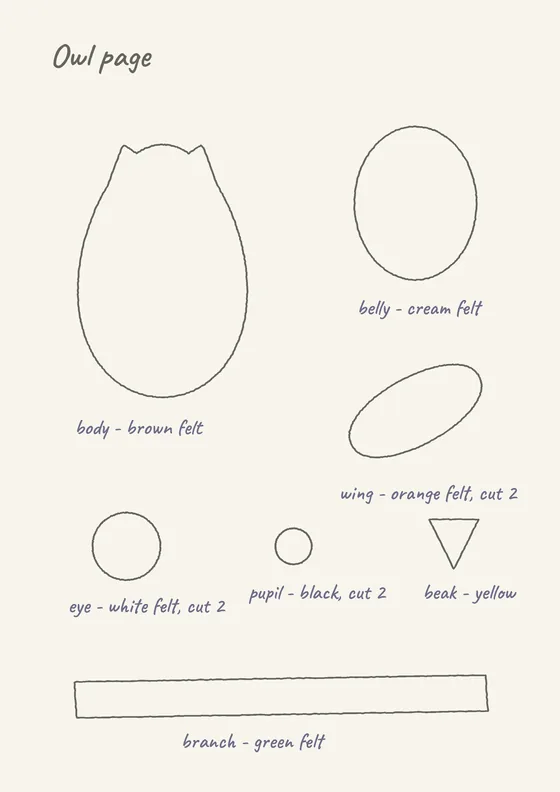
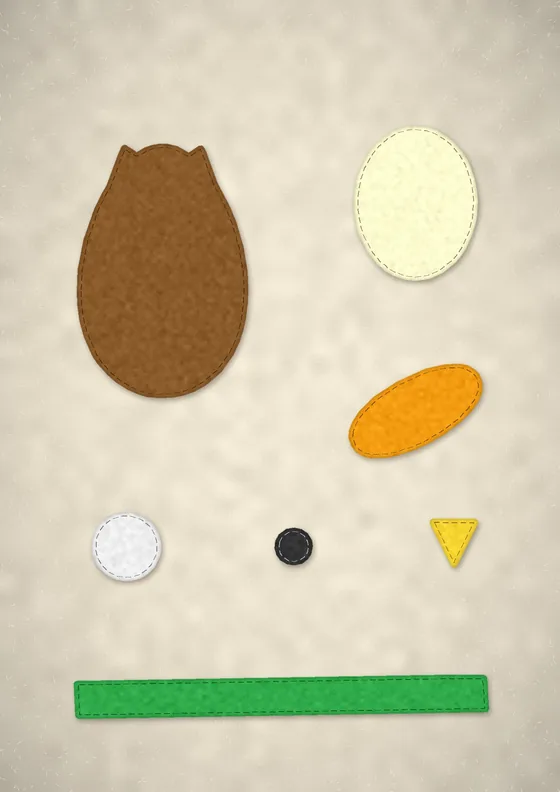
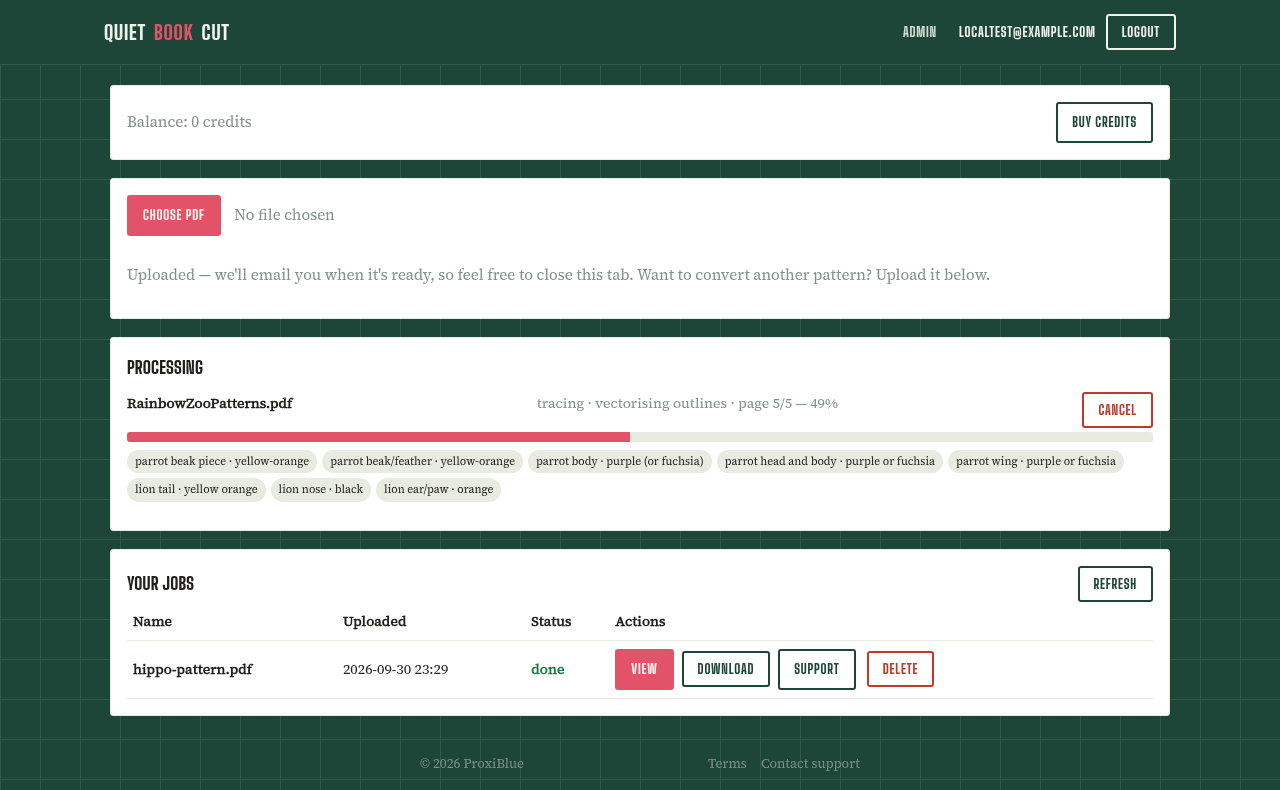
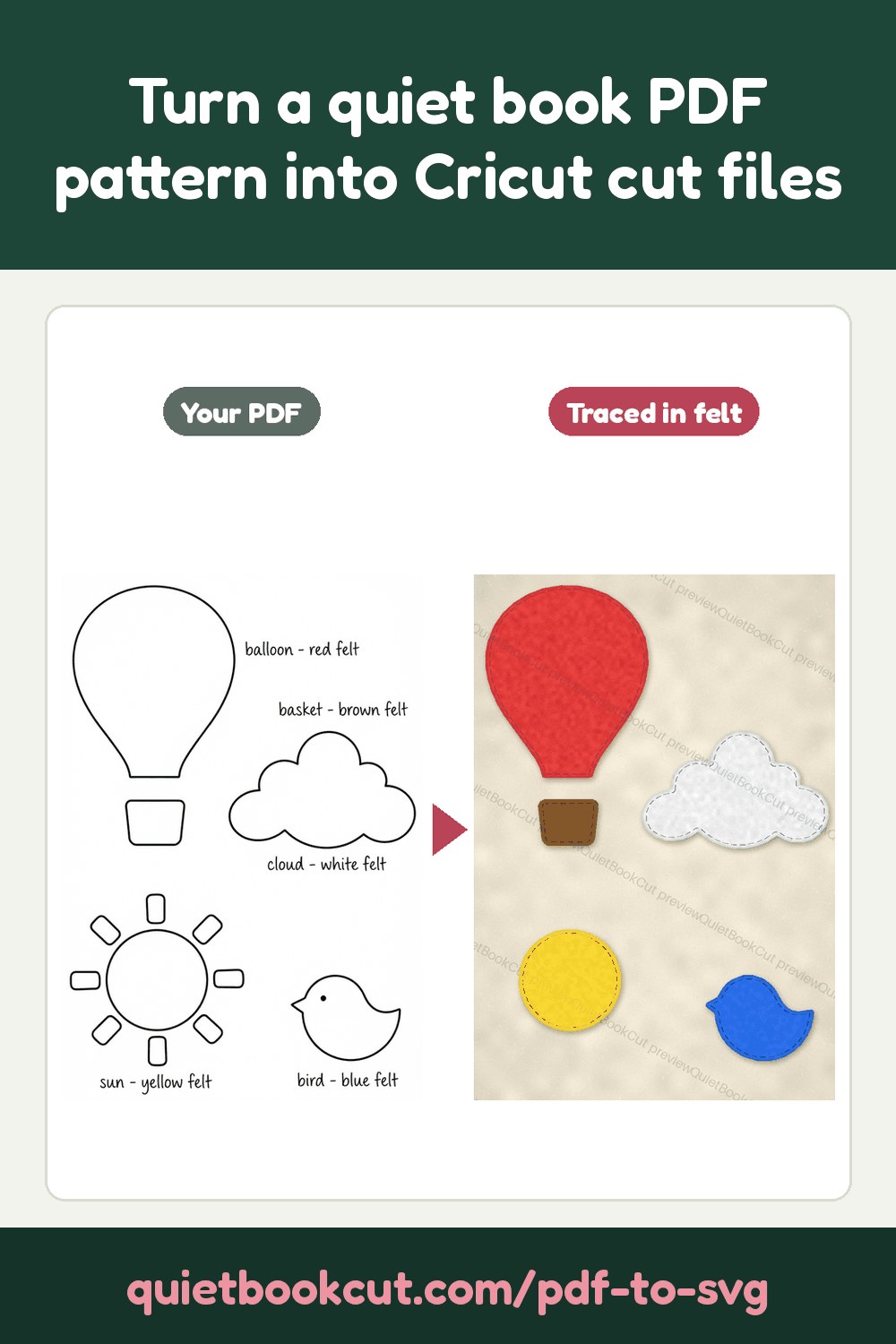
Upload a PDF or a photo of your pattern and watch every piece get found and traced. Make a free account when you want to download.
Convert a PDF or photoWhy is it called Craft Ready?
It started as a tool for my sister, who makes felt quiet books and was spending evenings tracing pattern pieces by hand, and it was called QuietBookCut at first. This page is still that converter. The site has grown a tool for each craft since (see the list above), so the name is Craft Ready: whatever you make, it gets your file ready to cut. For patterns you own or may use; never a redistribution service.
Frequently asked
- What can I convert to SVG?
- Anything drawn as clear outlines or solid shapes in a PDF, a scanned page or a photo of the page: sewing and appliqué patterns, templates, cutting files that only come as PDF, line drawings, silhouettes, simple logos and stencils. Each closed shape becomes its own path, at its real size.
- Which cutting machines and programs does it work with?
- Any that imports SVG or DXF: Cricut Design Space, Silhouette Studio (DXF for the free Basic edition), Brother ScanNCut / CanvasWorkspace, Sure Cuts A Lot, and laser cutters such as xTool, Glowforge and LightBurn. In Silhouette Studio, set Preferences → Import → DXF Open to Centered before opening a DXF: its default, Fit to Page, resizes it. You can also download printable paper templates at true size to cut by hand.
- Is it only for quiet books?
- No. It traces any pattern drawn as clear outlines: sewing and appliqué pieces, quilting templates, felt toys, ornaments and costume pieces. Other crafts have their own converters: Line art to vinyl for vinyl decals, Image to SVG for logos and stencils, Sticker maker for Print Then Cut stickers, DTF Gang Sheet Maker for shirts, Papercraft to Cut File for cards and paper crafts, and Leather Pattern to Cut File for leather and lasers.
- Does it work with scans and phone photos?
- Yes. Upload a PDF of a scanned page, or the photo itself as a JPEG, PNG or WebP image: a photo is converted as one page, fitted to A4. For pieces to come out at their real size, scan at 100% or photograph the page flat and square-on.
- What about handwritten notes on the pattern?
- They're read too. Notes like 'hippo body – pink felt' are matched to their pieces, so the cut file comes back grouped by color (or by page or by pattern), and the notes themselves are not traced as shapes.
- Is it free?
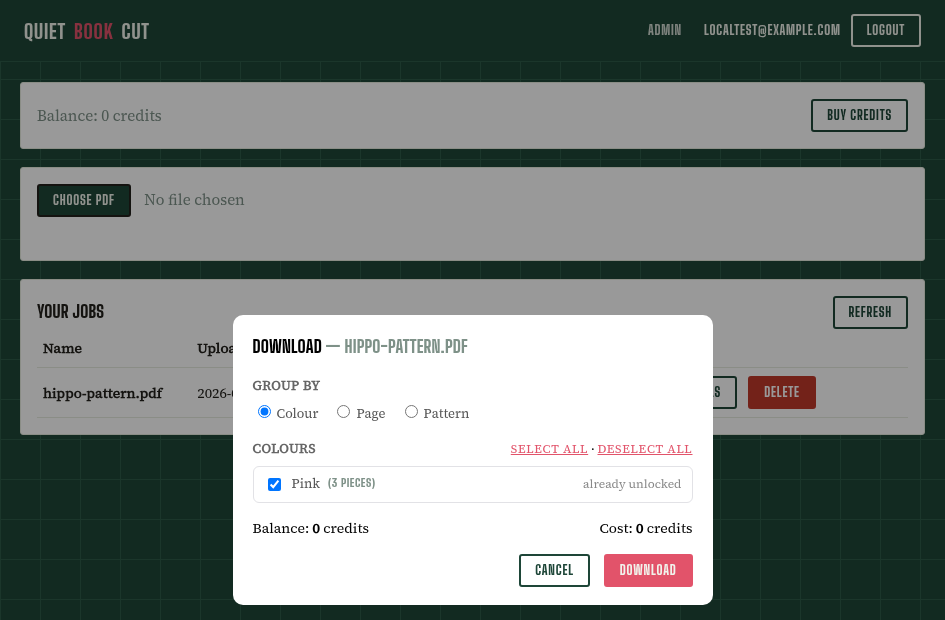
- Converting and previewing are free, and you can try it without an account. Downloading needs a free account, which includes 25 free credits every month (a pattern piece is 1 credit); credits cover more.